
METROLORE DocsDiscordBasket
  1. Home
  2. FiveM scripts
  3. Interface
  4. Notify & Progressbar

M3Line M3 · Interface

Notify &Progressbar

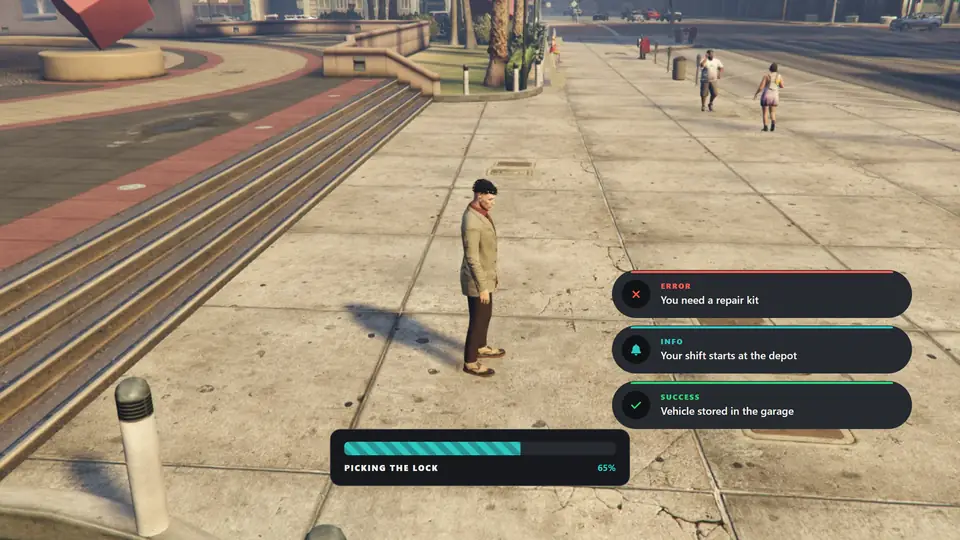
Notifications and the progress bar in the default design over the game
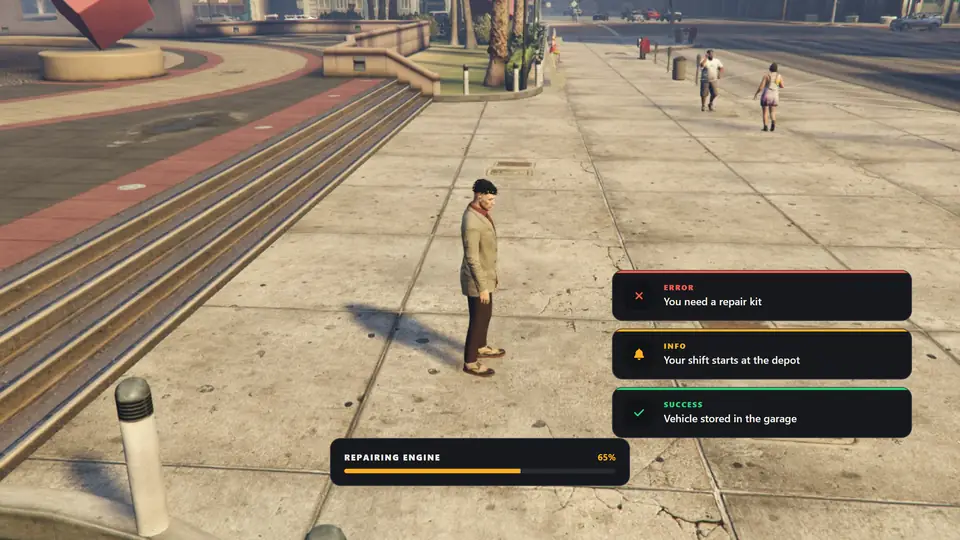
Notify editor with its settings and a live preview
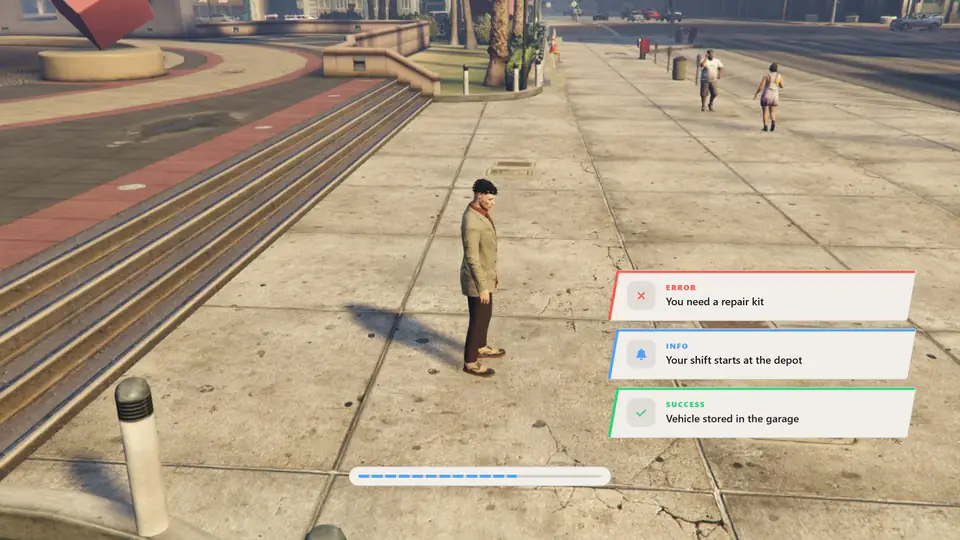
Solid notifications with a bold striped progress bar in teal
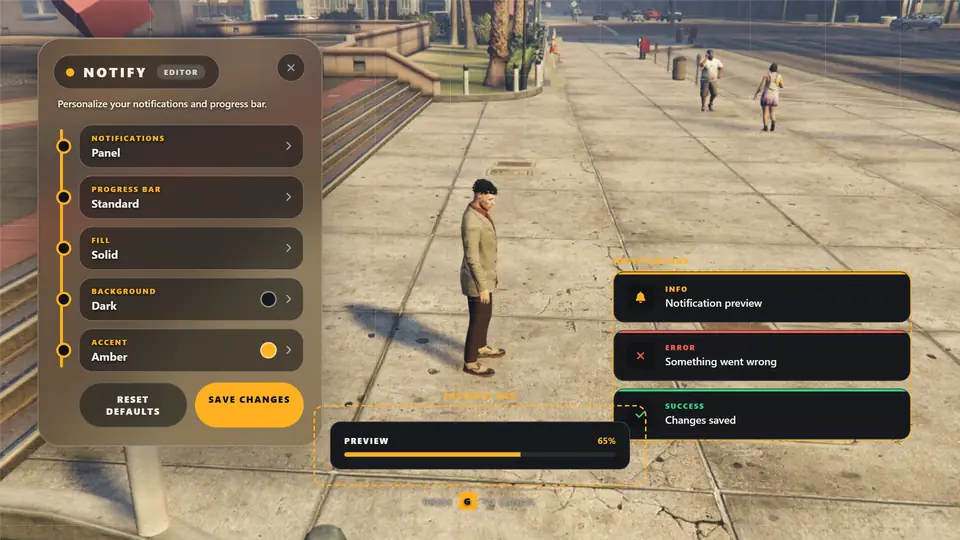
Edge notifications on the Light surface in blue

Overview

What this line does

Replaces the default notifications and progress bar. Players choose the design, surface and colour in-game, and the choice is saved for them.

Command
/notifymenu
Bridge
QBCore, QBox, ESX
Database
No SQL
Languages
English, Turkish

Features

Stops on this line

Six notification designs in Notify & Progressbar
STOP 01

Six notification designs

Panel, Solid, Outline, Edge, Tinted and Compact.
Progress bar in Notify & Progressbar
STOP 02

Progress bar

Six layouts: Standard, Slim, Bold, Inset, Notch and Minimal. Six fills: Solid, Striped, Segments, Dots, Two tone and Ring.
Surface in Notify & Progressbar
STOP 03

Surface

Dark, Black, Glass, Light and Clear presets, or any custom colour with an opacity slider.
Drag and drop in Notify & Progressbar
STOP 04

Drag and drop

Position the notification area and the progress bar on screen.

  • Accent colourSix presets or any custom colour with sliders and a hex field.
  • Per-player settingsStored in the player's client and kept across restarts.
  • Framework bridgeStandard QBCore, QBox and ESX notify events appear in this interface without changing other scripts.
  • Safe textMessages are shown as plain text. HTML sent by other scripts is not executed.

Before you buy

Requirements

  • FiveM server with a recent artifact
  • Any framework, or none
  • No SQL and no other dependencies

Install

Get it running

  1. Put the mlr-notify folder in your resources directory.
  2. Add it to server.cfg before the scripts that call its exports.
  3. Restart the server and join. Type /notifymenu to open the editor.
ensure qb-core
ensure mlr-notify
# ... scripts that show notifications ...

Full installation guide →

Help

If something stops

No notification appears

Start mlr-notify before the scripts that use it, and leave Config.Framework on auto or set your framework. Make sure the complete html folder was copied.

The same notification does not show twice

A message that repeats within half a second is ignored. This prevents doubles from scripts that fire two events.

My settings are not saved

Press Save changes before closing the editor. Clearing the FiveM cache or reinstalling FiveM removes them.

The progress bar does not start

Only one progress bar runs at a time. If another one is active, the new call is cancelled.

Keep going

Next stops