 METROLORE
STOP 01
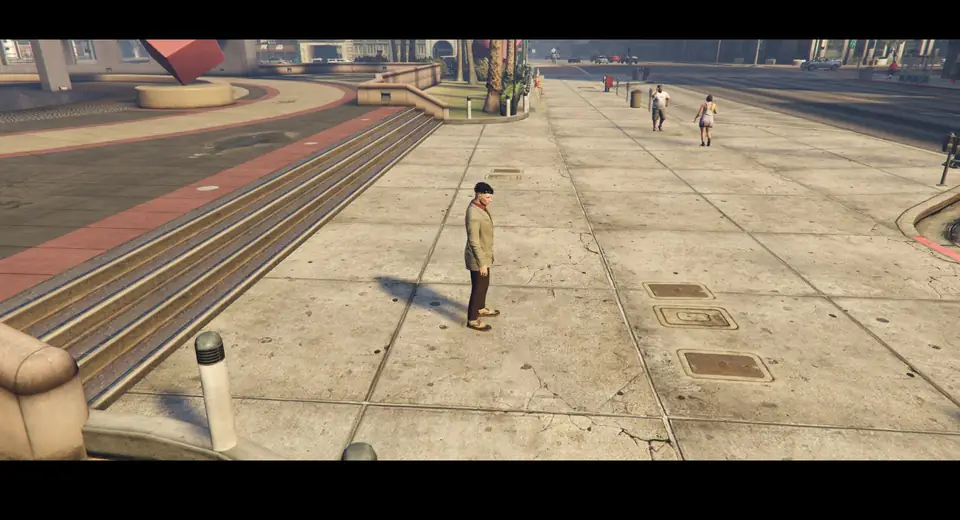
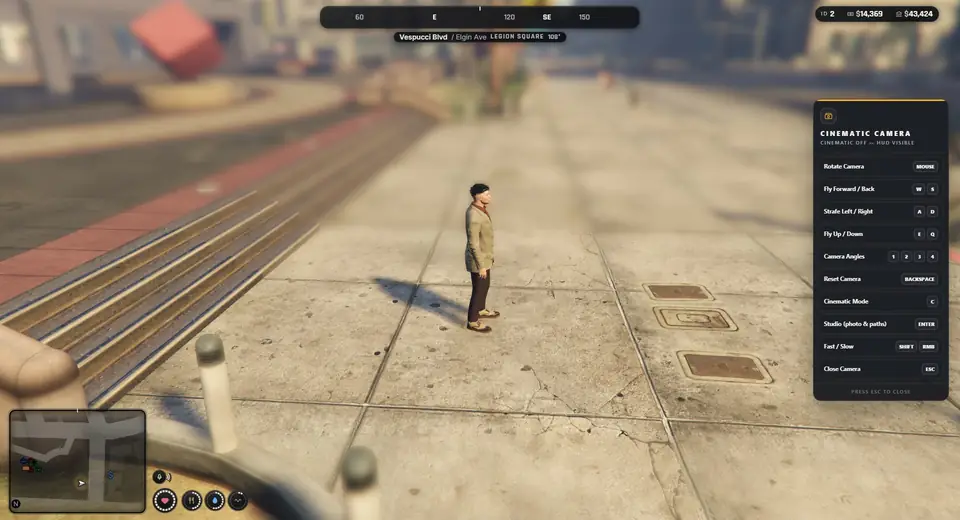
Free camera
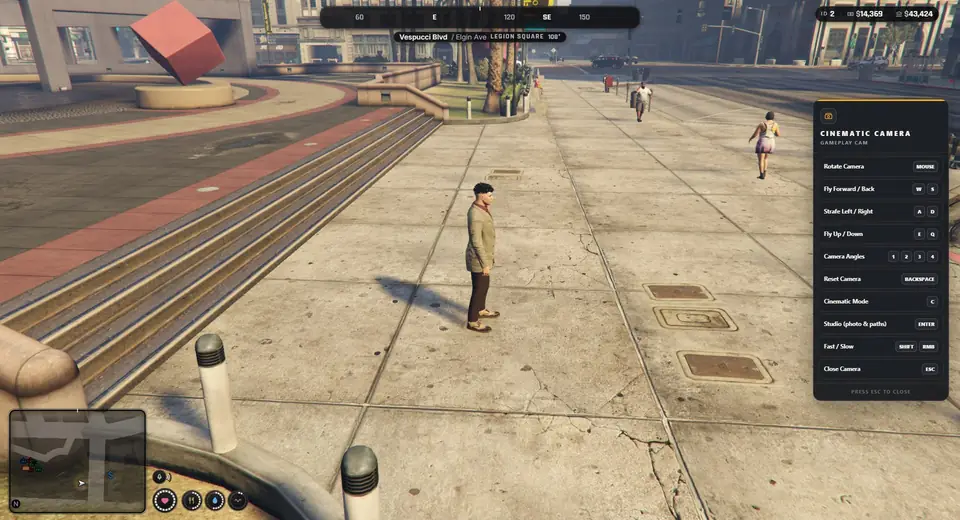
Mouse look and fly keys, fast and slow speed, four preset angles and a distance limit that keeps the camera near the character.
Overview
A player opens a free camera around their character, flies it, switches the HUD off and shoots screenshots or clips. Everything runs on the player's own computer. A small server file decides who is a press crew member or a director.
Features
Mouse look and fly keys, fast and slow speed, four preset angles and a distance limit that keeps the camera near the character.
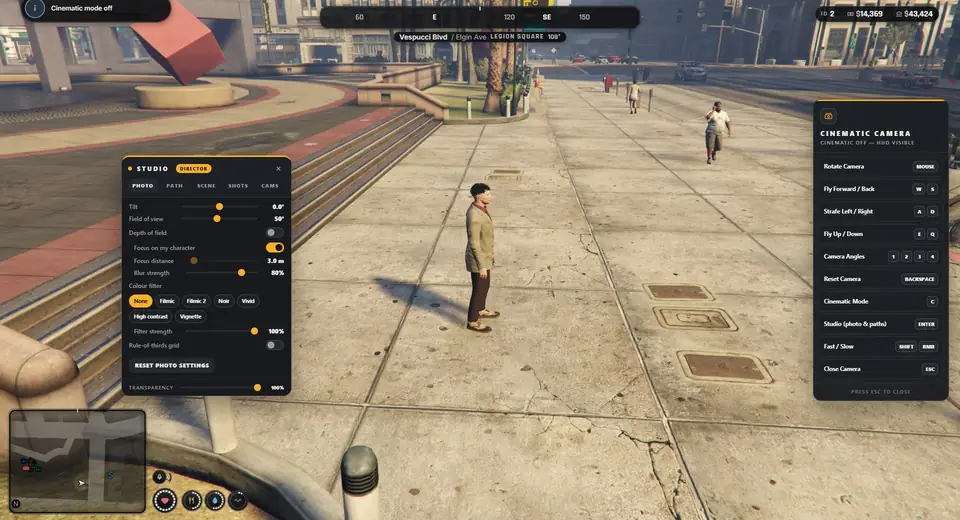
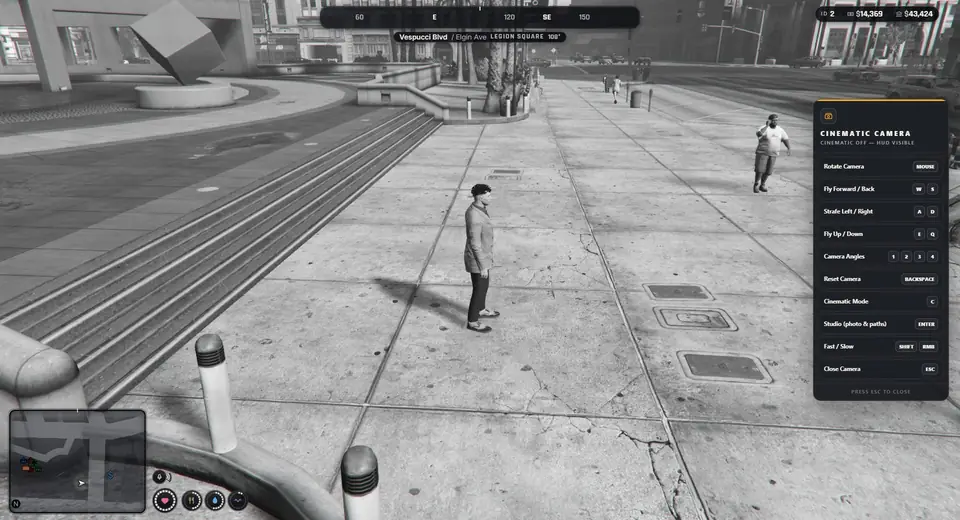
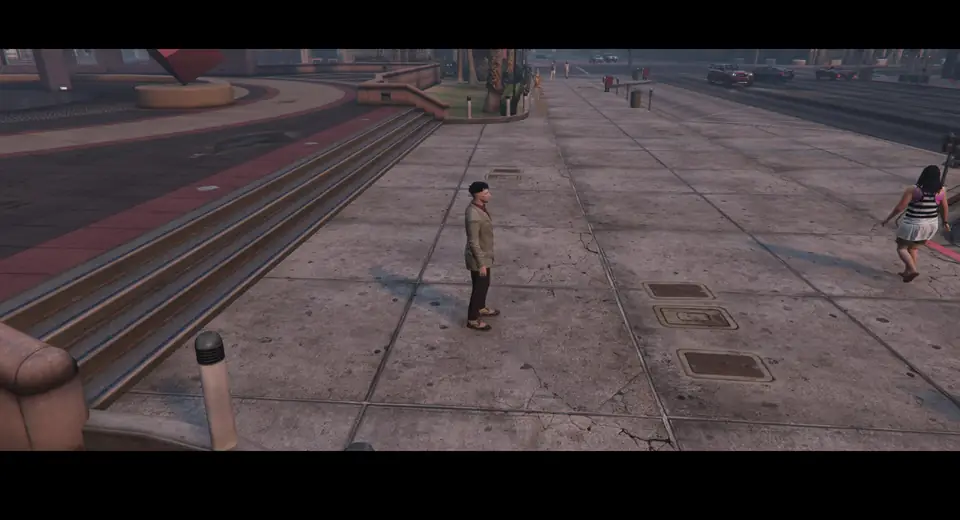
Tilt, field of view, depth of field that keeps the character in focus, colour filters and a rule-of-thirds grid.
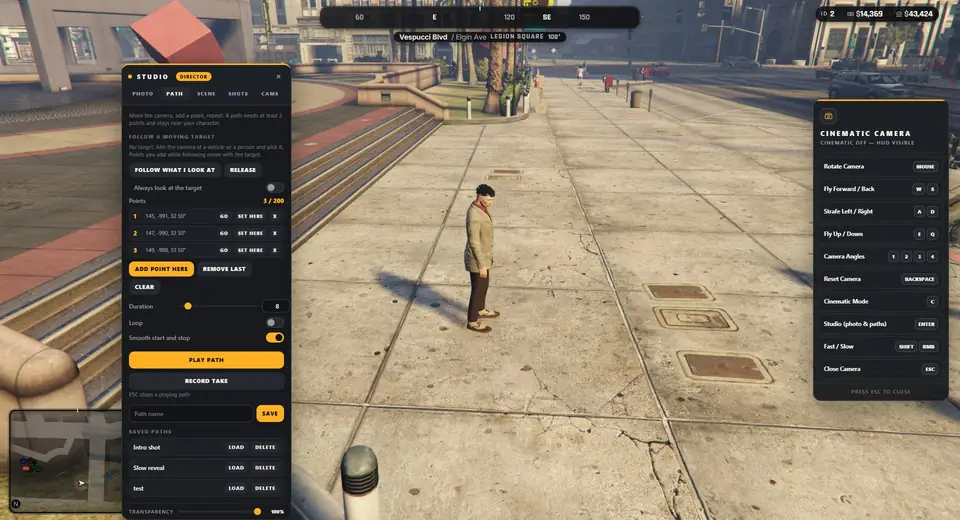
Add points while you move the camera, play them back as a smooth move, loop them, edit the points and save them by name.
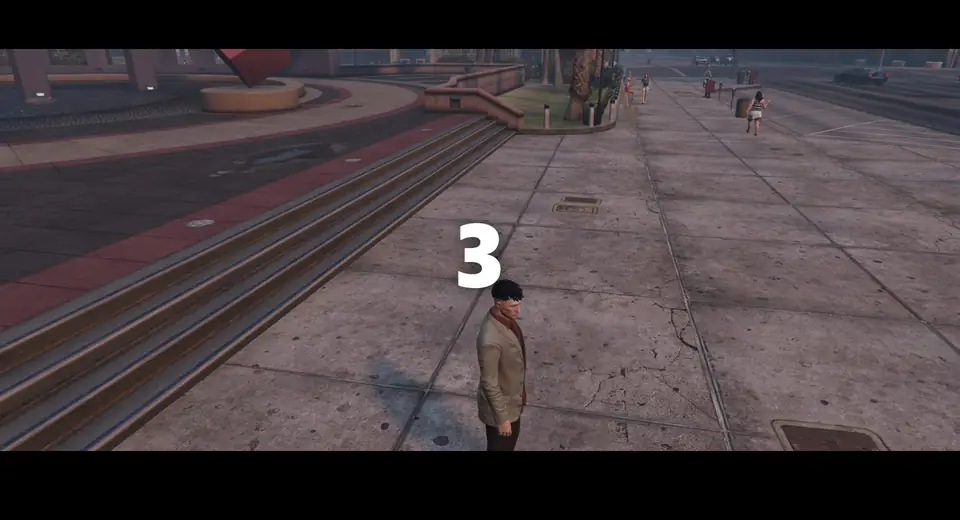
Film ratio, camera shake, time of day, weather, clean streets, hide other players, shot sequences and a Record take mode with a countdown.
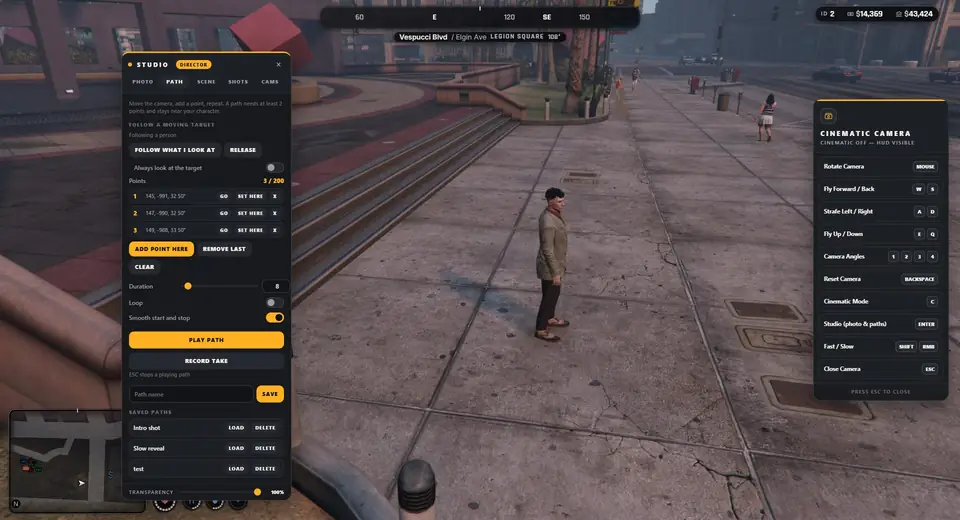
Attach the camera to a moving vehicle or person.
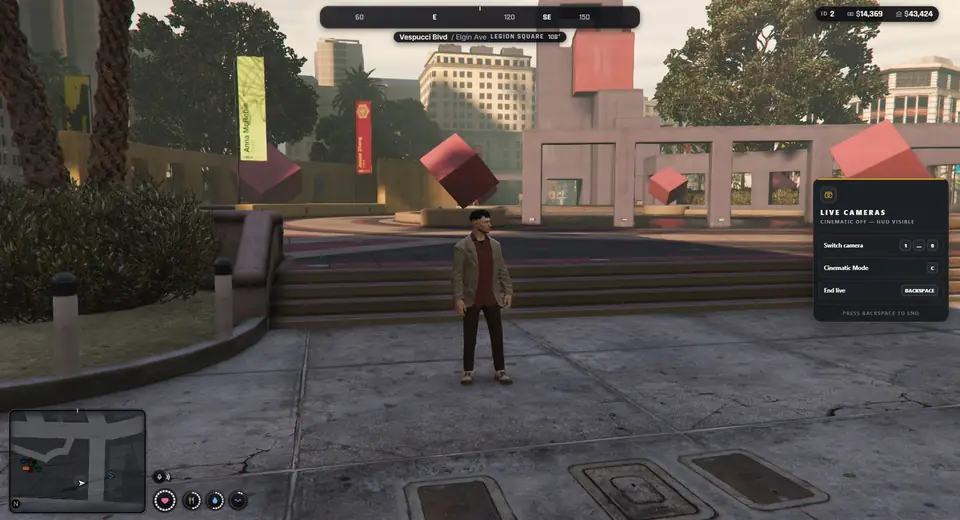
Set up to 10 fixed or vehicle-mounted cameras and switch between them with the number keys while you drive.
Roles
| Player | Press crew | Director | |
|---|---|---|---|
| Points in one path | 16 | 64 | 200 |
| Longest path | 60 s | 10 min | 30 min |
| Distance from the character | 15 m | 60 m | 250 m |
| Flying speed | normal | 3 times | 8 times |
Before you buy
Install
ensure mlr-gameplaycamHelp
The player must not be dead, cuffed or ragdolling. In a vehicle the engine must be off and the vehicle must stand still. Hold V for about 4.5 seconds, or type /gameplaycam.
Your HUD is a separate resource. Add it to Config.Cinematic.HudIntegrations or HudEvents.
Check the permission or job name and type /camrole in game. With QBCore the job only counts while the player is on duty.
A weather script keeps overwriting it. Add its client events to the sync settings. Weather and time overrides need the director role.
Keep going